· 12 min read
The Fitbit API Is Gone. Here’s How I Got My Data Back
Pulling your own sleep, heart-rate and HRV data out of the new Google Health API with a small TypeScript CLI, and the five OAuth traps on the way
Contents
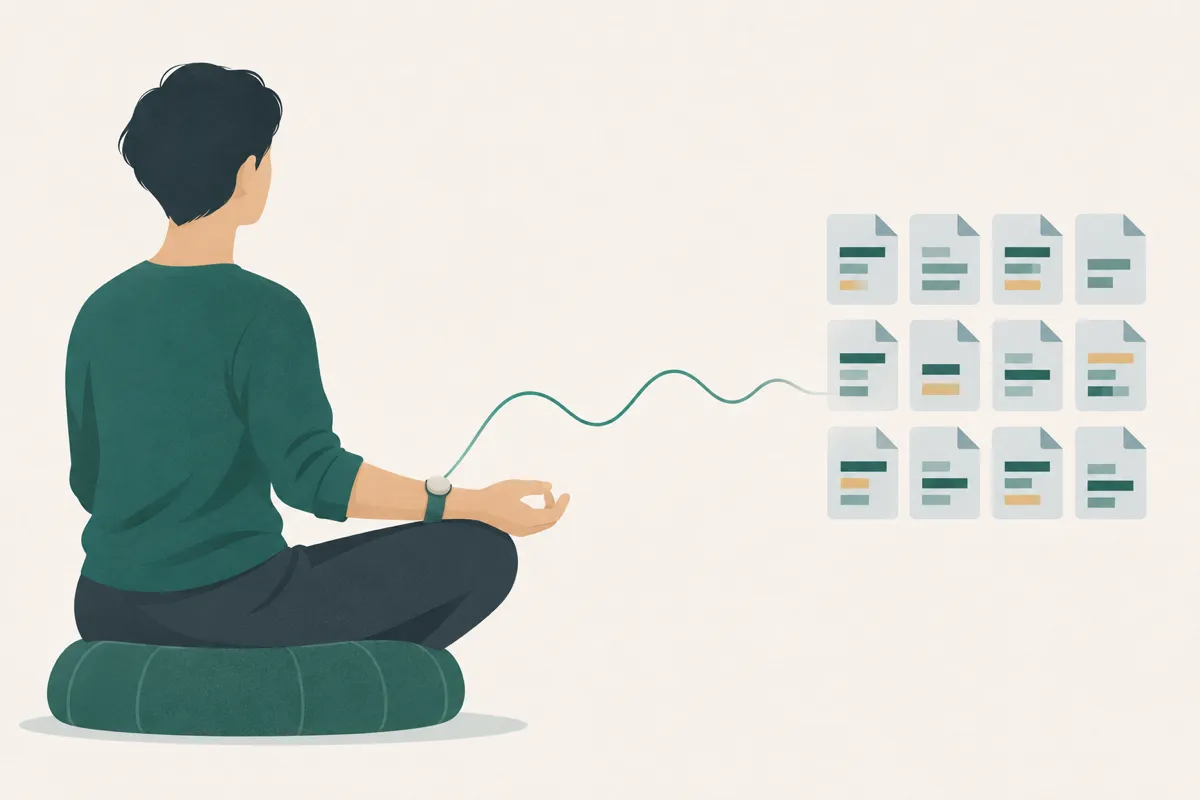
On November 4, my Fitbit Air told me I’d taken a 37-minute nap, with 18 minutes of deep sleep.
I hadn’t. I was sitting upright on a cushion with my eyes closed, meditating.
The app gave me a label, “Nap, 37 min”, and nothing underneath it. No minute-by-minute heart rate, no stage boundaries, no way to compare that half hour with a real night’s sleep. So I went to get the raw data myself and found that the API I’d have used, the Fitbit Web API, had been switched off a few days earlier.
This article is the build log of getting that data back from its replacement, the Google Health API. It covers the OAuth path that actually worked, the API details that bit me, and the small open-source CLI that came out of it. What the band was really seeing during that “nap” gets its own article.
The code is on GitHub if you want to pull your own data: github.com/Rubick1997/calm-data.
Why own the raw data at all
The question most people bring is “why bother, the app already shows me everything”. It doesn’t, and here’s why that matters.
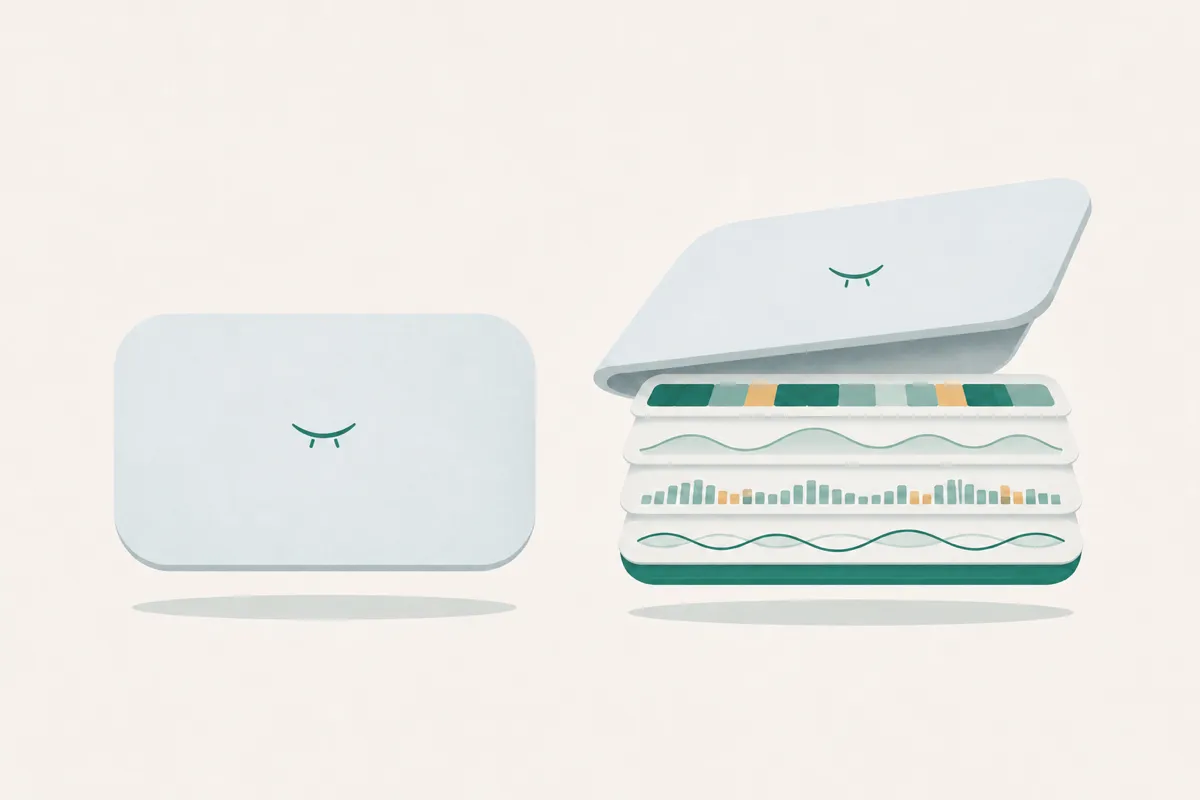
The app gives you the label. The evidence is underneath.
- The app shows conclusions, not evidence. “Deep sleep”, “nap” and “readiness” are a model’s guesses about you. They may well be right, but the only way to check is to look at what the model looked at: the stages and the minute-level heart rate.
- Your data means more next to your own context. Your calendar, your training plan, your work log, a meditation log. The app will never join your health data with the rest of your life. A 200-line script can.
- AI makes raw data useful. A CSV of your sleep and heart rate is something you can hand to an LLM and ask real questions about. A screenshot of a dashboard isn’t. This is health data, though, so keep the raw files local and share aggregates.
- Platforms change. The Fitbit Web API went dark on November 2, 2026, and a lot of third-party integrations went with it. With your own pipeline and your own copy, the next migration costs a config change instead of your history.
You can still request a full archive through Google Takeout, but it’s a manual export that can take days to arrive. That’s fine for a one-off backup and useless for anything you want to run every week. For that you need the API.
The Google Health API in two minutes
The Google Health API is the successor to the Fitbit Web API. It uses ordinary Google OAuth 2.0, speaks REST and gRPC, and folds the 100+ old Fitbit endpoints into data-type “bundles”. It covers Fitbit devices, Pixel Watch and other connected sources, all under one base URL.
https://health.googleapis.com/v4/users/me/dataTypes/{type}/dataPointsThe changeover was quick. Google ended support for the legacy API on September 30, 2026, and switched its endpoints off on November 2. Old Fitbit tokens don’t carry over, so every integration has to go through consent again with a new Google OAuth client (migration guide).
My device is a Fitbit Air, the screenless band Google launched in May, and its data reaches the API through the Google Health app. I used three data types.
- sleep: sessions with LIGHT, DEEP, REM and AWAKE stages, each flagged as a nap or mainSleep
- heart-rate: stored at fine resolution, which I pulled as one bucket per minute
- heart-rate-variability: HRV samples
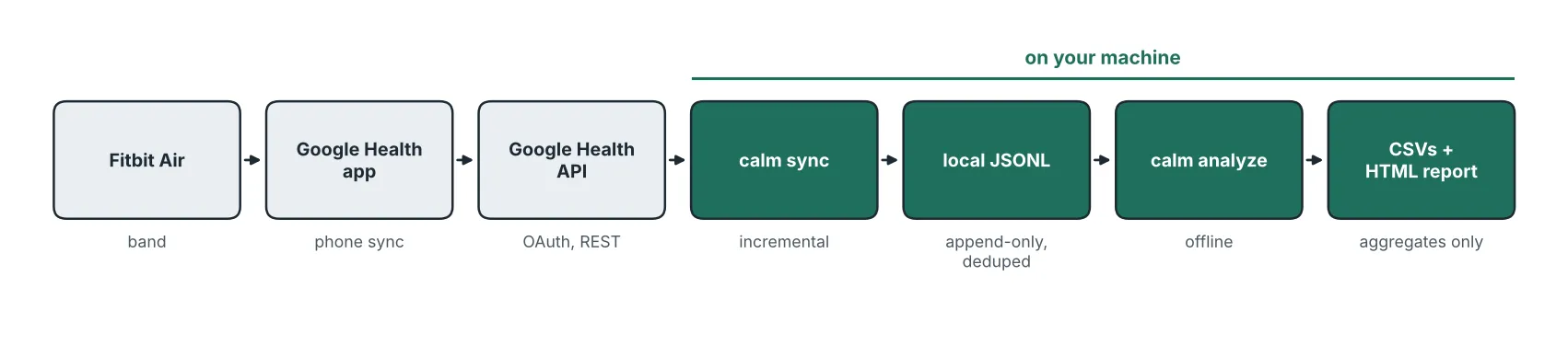
Figure 1. From band to local files. Everything after the API runs on your machine.
The first three boxes are Google’s side. The last four are calm-data, and they never talk to anything except your disk and the API.
Getting a token is the hard part
Once you have a working token the API is pleasant. Getting that token cost me most of an evening, so here is the path in order, dead ends included.
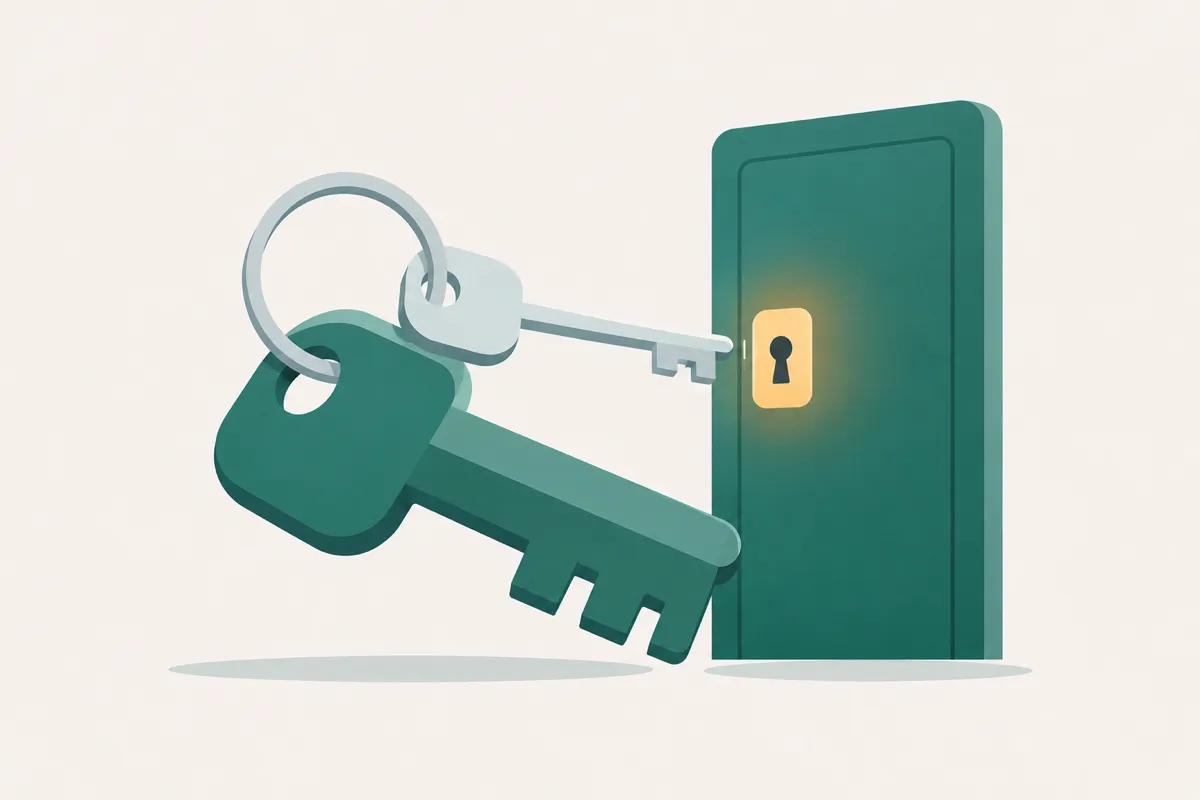
One scope too many, and the door stays shut.
The boring setup comes first. Create a Google Cloud project, enable the Google Health API, and configure the OAuth consent screen with the External user type.
Trap 1: a 403 that has nothing to do with permissions
I wanted to poke at the API before writing any code, so I opened Google’s OAuth 2.0 Playground and used its built-in client. Every request came back 403 PERMISSION_DENIED, “Request contains disallowed OAuth scope(s)”, with disallowed_scopes: cloud_platform.
{
  "error": {
    "code": 403,
    "message": "Request contains disallowed OAuth scope(s).",
    "status": "PERMISSION_DENIED",
    "details": [{
      "reason": "DISALLOWED_OAUTH_SCOPES",
      "metadata": { "disallowed_scopes": "cloud_platform" }
    }]
  }
}
My account had access and my scopes were right. The problem was a scope I never asked for. As far as I can tell, the Playground’s built-in client adds the broad cloud-platform scope to every token, and the Health API refuses any token that carries it. Unticking it doesn’t help, because Google remembers scopes you granted earlier.
Google’s error catalog lists DISALLOWED_OAUTH_SCOPES, but I couldn’t find cloud-platform mentioned anywhere in the docs, so treat this as observed behaviour. People on the Fitbit developer forum report something similar when they mix Health scopes with other Google scopes in one sign-in.
The fix is to use your own OAuth client and ask for the read-only Health scopes and nothing else.
https://www.googleapis.com/auth/googlehealth.sleep.readonly
https://www.googleapis.com/auth/googlehealth.health_metrics_and_measurements.readonly
Trap 2: a Desktop client can’t take a redirect URI
The client I already had was the “Desktop app” type, which felt right for a CLI. Desktop clients don’t let you register redirect URIs, though, and the Playground needs one. In my setup the CLI’s loopback flow ran into the same wall.
What worked was a Web application client with the redirect URI spelled out. Google’s own Health API setup guide uses a Web client too, while some community CLIs insist on Desktop. If one type fights you, try the other.
Trap 3: localhost isn’t 127.0.0.1
My CLI waits for the OAuth callback on port 8765. The first time I ran it, the browser went to localhost:8765 and showed a “page not found” that didn’t come from my code.
Another app on my laptop, Logitech Options+, was listening on [::1]:8765, the IPv6 loopback address. The browser resolved localhost to that, and my CLI sat on the IPv4 side waiting for a callback that never came.
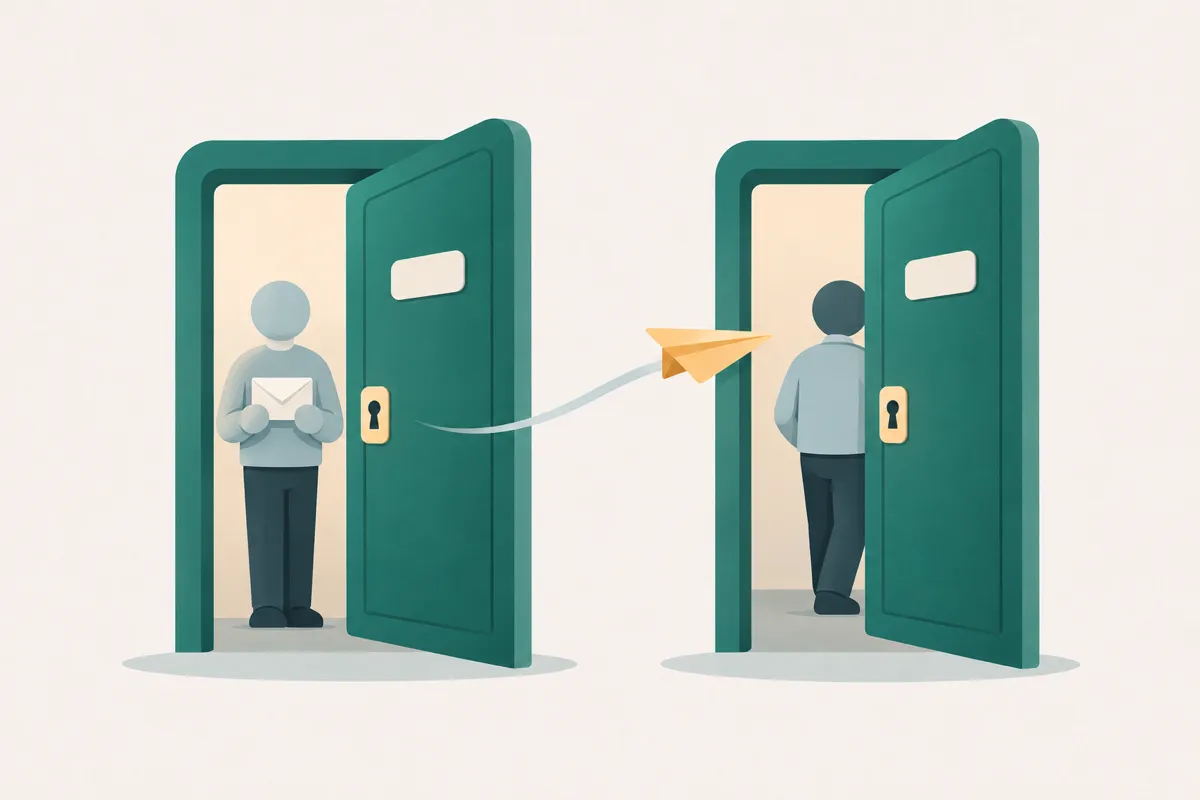
Same port, two doors. The callback went to the wrong one.
Write http://127.0.0.1:8765/callback explicitly, in the client settings and in the code. If it still fails, lsof -nP -iTCP:8765 -sTCP:LISTEN tells you who owns the port.
Trap 4: the “unverified app” warning is supposed to be there
Google classes most Health API scopes as restricted, and a public app needs a full verification process before it can use them. A personal project doesn’t. You’ll see “Google hasn’t verified this app”, click Advanced, and continue to your own app.
Trap 5: Testing mode gives you a seven-day token
If the consent screen is in Testing status, the refresh token expires after seven days. That’s fine for a weekend experiment and fatal for a weekly job, which will quietly fail every Sunday. Switch to Production status, still unverified and still just you, and the token lasts until you revoke it or leave it unused for about six months.
The flow I ended up with
- PKCE with a loopback redirect to 127.0.0.1, plus access_type=offline and prompt=consent so Google actually returns a refresh token
- The refresh token lives outside the repo in
~/.config/calm-data/credentials.json, with file mode 600 - Access tokens stay in memory, and nothing token-shaped is ever logged
Reading the data, and the details that bit me
None of these are hard on their own. Each one cost me a failed run before I noticed it.
Sleep comes back 25 sessions at a time
Sleep pages are capped at 25 sessions, so follow nextPageToken until it comes back empty. My full history was 162 sessions over 13 pages. Results always arrive newest first and there’s no orderBy.
Filter sleep on end time, not start time
Filters use AIP-160 syntax, and the obvious filter is the one that fails.
sleep.interval.end_time >= "2026-11-01T00:00:00Z"   ✓ works
sleep.interval.start_time >= "2026-11-01T00:00:00Z" ✗ 400 INVALID_ARGUMENT
The docs do say sleep filters on end time, but nothing warns you that start time is rejected outright. Filter fields are also snake_case while URL paths are kebab-case, so the path says heart-rate and the filter says heart_rate.
Numbers arrive as strings
Here is roughly what a nap looks like, with a fake ID.
{
  "name": "users/me/dataTypes/sleep/dataPoints/abc123",
  "sleep": {
    "interval": {
      "startTime": "2026-11-05T01:17:00Z",
      "endTime": "2026-11-05T01:59:00Z",
      "startUtcOffset": "-28800s"
    },
    "type": "STAGES",
    "stages": [
      { "type": "LIGHT", "startTime": "...", "endTime": "..." },
      { "type": "DEEP",  "startTime": "...", "endTime": "..." }
    ],
    "summary": { "minutesAsleep": "37" }
  },
  "metadata": { "nap": true }
}
That “37” is a string, and “37” + 1 in JavaScript is “371”. I validate every response with zod and convert explicitly. Not every session has stages either: the API separates STAGES sleep (light, deep, REM) from CLASSIC sleep (asleep, restless), so handle both.
Roll heart rate up instead of listing it
Raw heart rate arrives at roughly one sample every two seconds, which is a lot of JSON for a year of history. I call POST …/heart-rate/dataPoints:rollUp with windowSize: “60s” and get one bucket per minute with the average, minimum and maximum.
The docs cap heart-rate rollups at 14-day ranges. In my testing, 15- and 30-day ranges came back complete anyway, but that could change at any time, so I chunk at 14 days. A minute with no heartRate just means the band wasn’t on.
HRV has no ID and only shows up at night
HRV points don’t have a name field, so I dedupe them by sample time. This was also my first real finding: HRV samples, five minutes apart, only appeared overnight. My daytime “naps” had none at all. As far as I can tell, the Fitbit Air doesn’t measure HRV outside main sleep.
Convert time with a zone, never an offset
Every point carries a UTC timestamp and the UTC offset at that moment. Daylight saving ended on November 1, so my October data is UTC−7 and my November data is UTC−8. Convert with the IANA zone, America/Los_Angeles in my case. A fixed offset shifts every session before the switch by an hour.
Expect late data, and back off politely
Data only shows up after the band syncs to the phone, and it syncs when it feels like it. Every incremental run re-fetches the last 72 hours to catch late uploads, and deduplication makes that overlap free.
429 and 5xx responses get exponential backoff with jitter and honour Retry-After. A 401 triggers one forced token refresh, and if that fails the CLI exits with “run calm auth” instead of a stack trace. Google publishes a limit of 300 requests per user per minute. My full backfill took about 40 requests, so I never got near it.
What I built
calm-data is a small Node 22 CLI in strict TypeScript, with no framework, no server and no database.
- calm auth runs the one-time OAuth flow in your browser.
- calm sync pulls sleep, one-minute heart-rate buckets and HRV incrementally into append-only, deduplicated JSONL files.
- calm analyze works offline and writes CSVs plus a self-contained HTML report.
- calm weekly runs sync and analyze together. It’s idempotent and non-interactive, so it can sit on a schedule.
The code is split into small modules: auth, client (fetch, backoff, pagination and zod), sync, store, analyze, report and time. Tests run against mocked HTTP and synthetic fixtures and cover pagination, dedupe, incremental windows, overlap maths, DST and expired tokens.
Privacy is part of the design rather than a note in the README. data/, report/ and .env are gitignored, the scopes are read-only, and nothing leaves the machine except calls to Google. Anything I publish from it is an aggregate.
Try it yourself
The repo is at github.com/Rubick1997/calm-data, and the short version is four steps.
- Create a Web application OAuth client with the two read-only Health scopes and
http://127.0.0.1:8765/callbackas its redirect URI. - Copy .env.example to .env and add the client ID and secret.
- Run pnpm calm auth.
- Run pnpm calm sync && pnpm calm analyze.
The README covers the rest: Testing versus Production, troubleshooting, scheduling, and what gets stored where.
Check the pipeline against one event you know
Before trusting any of it, I picked one event I knew well and made the pipeline reproduce it exactly. It was the November 4 nap: 17:17 to 17:59 local time, 37 minutes asleep, 18 deep, 19 light, no REM. The output matched the app to the minute.
A single anchor test like this catches time zone bugs, string parsing bugs and paging bugs at once. calm check runs it against a session you define in a local, untracked config file.
If you build this
- Create your own Web OAuth client and request only the read-only Health scopes. Any extra scope, cloud-platform included, gets you a 403.
- Redirect to 127.0.0.1, not localhost.
- Move the consent screen to Production before you schedule anything, or the token dies in a week.
- Page through sleep, filter it on end time, and treat every number as a string until you’ve validated it.
- Roll heart rate up per minute in 14-day chunks, and don’t expect HRV outside main sleep.
- Convert time with the IANA zone, re-fetch a 72-hour overlap, and dedupe.
- Test the whole pipeline against one session you know by heart.
Prior art
I’m not the first person to get data out of this API. Google’s own setup guide and OAuth Playground codelab walk through a first request. Wearable-data companies such as Terra have written detailed migration guides, aimed at apps with many users. There are community CLIs in Go that export your data, Python libraries with a compatibility layer for old Fitbit code, and several MCP servers that let an AI assistant query the API live.
What I couldn’t find written down anywhere were the traps above, especially the cloud-platform 403 and the Desktop versus Web client confusion. I also wanted something slightly different from the existing tools: a plain TypeScript pipeline that keeps append-only files on my own disk, which I can join with my own logs and re-analyse offline.
Next: the nap that wasn’t
I built this because my Fitbit Air kept telling me I’d napped while I was meditating, sitting upright and following a teacher’s breathing count. Now I have the data underneath the label: minute-by-minute heart rate, the stages, and every daytime “nap” since July.
The early numbers are strange. During that November 4 session, the band was scoring deep sleep while my heart rate sat around 92 bpm. That’s about the same as any other evening, and roughly 25 bpm above my usual overnight sleep. I’m letting a few more weeks of sessions come in before I say what I think the band is really detecting. That’s the next article.
If you meditate with a wearable on, I’d love to hear what yours reports.
The code is on GitHub: github.com/Rubick1997/calm-data. Star or follow the repo if you want the meditation follow-up, because the analysis lands there first.
Sources
- Google, Google Health API overview (2026)
- Google, Migrating from the Fitbit Web API (2026)
- Google, Google Health API scopes
- Google, Filtering data points
- Google, Data types and supported operations
- Google, Rate limits
- Google, App verification
- Google, Using OAuth 2.0 to access Google APIs
- 9to5Google, Fitbit Air launch (2026)
- Google Health Help, Export your data